




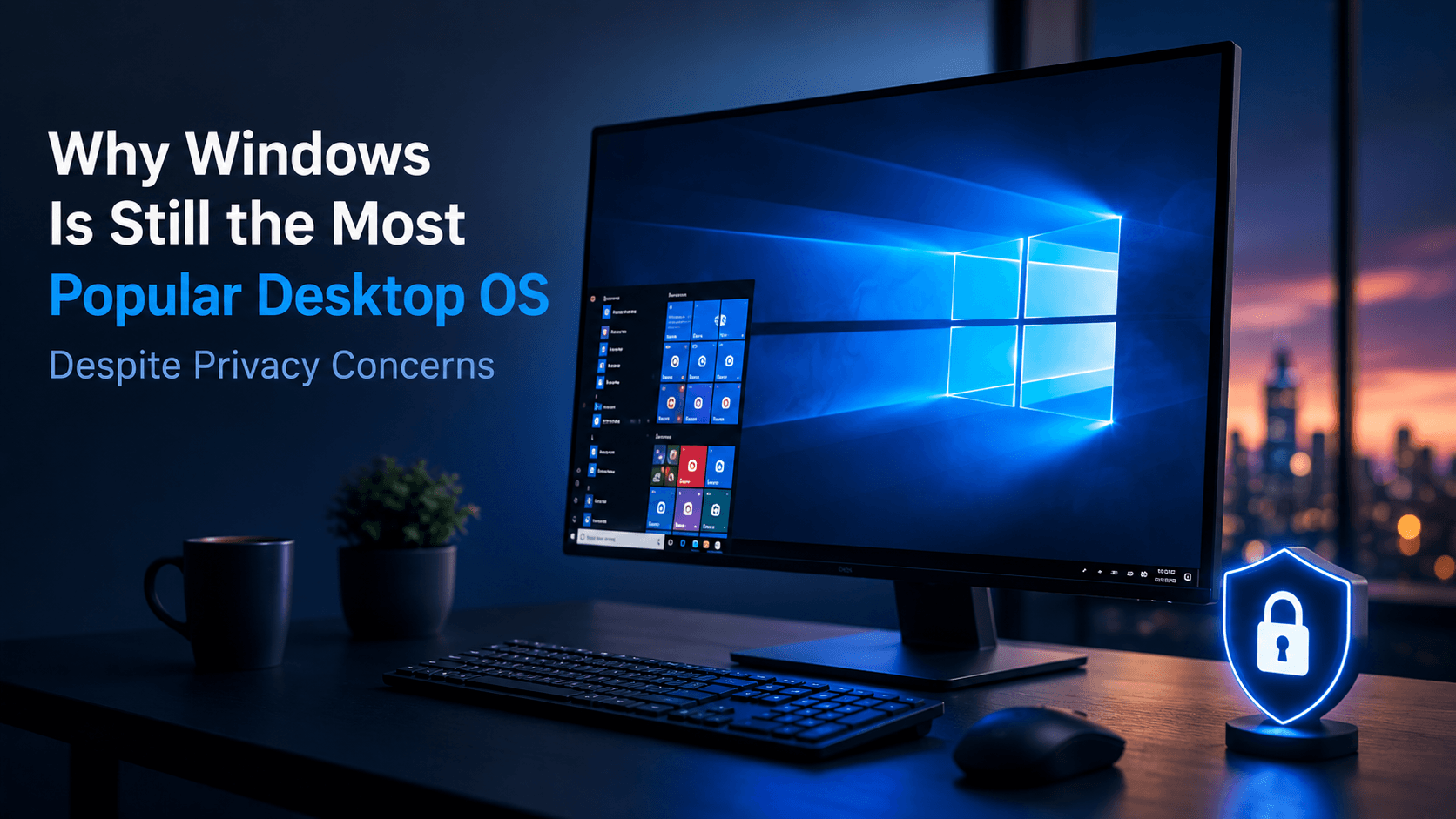
Why Windows Is Still the Most Popular Desktop OS Despite Privacy Concerns
Windows gets criticized for many things.
People complain about:
- telemetry,
- Microsoft account integration,
- advertising inside parts of the OS,
- cloud-connected features,
- bundled apps,
- and privacy settings that can feel complicated.
Yet Windows remains the dominant desktop operating system for ordinary PCs.
Why?
Because popularity is rarely decided by one factor.
Most people do not choose an operating system by asking:
Which one gives me the most privacy?
They ask:
Will my software work?
Will my printer work?
Can I play my games?
Does my company support it?
Can I buy a laptop with it already installed?
And in those areas, Windows has an enormous advantage.
Windows Is Everywhere Because It Was Already Everywhere
One of Windows' biggest strengths is simply momentum.
For decades, most mainstream PCs were sold with Windows.
So the cycle became:
PC manufacturers ship Windows
        ↓
More people use Windows
        ↓
Developers build software for Windows
        ↓
Hardware vendors support Windows first
        ↓
Businesses standardize on Windows
        ↓
More PCs ship with Windows
Once an ecosystem reaches that size, it becomes very difficult to displace.
Most People Never "Choose" Windows
This is an important point.
A technical user may compare:
Windows
Linux
macOS
before choosing an operating system.
A normal buyer often does this:
Buy laptop
    ↓
Turn it on
    ↓
Windows is already there
The operating system arrives with the hardware.
For millions of users, there is no separate OS decision.
Software Compatibility Is Probably the Biggest Reason
Windows has decades of software behind it.
If you need:
Microsoft Office
Adobe software
Accounting applications
Engineering software
Corporate tools
Games
Device utilities
Windows is usually the safest platform.
A company may have an application written fifteen years ago that still runs only on Windows.
Replacing it could cost far more than any theoretical privacy benefit gained by moving to another platform.
This backward compatibility is messy, but it is also incredibly valuable.
Gaming Keeps Windows Strong
For PC gaming, Windows remains the easiest choice.
The ecosystem around:
DirectX
GPU drivers
Game launchers
Anti-cheat systems
Gaming peripherals
has historically been built primarily around Windows.
Linux gaming has improved dramatically, and macOS has capable hardware.
But if someone owns a large PC game library and simply wants everything to work, Windows is usually the least complicated option.
That alone keeps a huge group of users on the platform.
Hardware Manufacturers Design for Windows
Buy a random:
Printer
Scanner
Gaming mouse
Fingerprint reader
Wi-Fi adapter
Drawing tablet
Industrial device
and Windows support is usually expected.
Linux support may be excellent.
Or it may require configuration.
macOS support may exist, but only if the manufacturer considers Mac users part of its market.
Windows has the advantage of being the default target.
Businesses Make Windows Even Harder to Replace
Now imagine a company with 5,000 employees.
Their infrastructure may depend on:
Active Directory
Group Policy
Windows authentication
Microsoft 365
SharePoint
Teams
SQL Server
Enterprise desktop software
Replacing Windows is not simply:
Install LinuxIt may require retraining staff, replacing software, changing identity systems, rewriting applications, and redesigning support processes.
That creates enormous switching costs.
Familiarity Matters More Than Enthusiasts Think
Most computer users do not want to learn their operating system.
They want to open:
Browser
Word
Excel
Email
Games
and continue working.
Windows has been familiar for generations.
Someone who used Windows 7 can usually sit down in front of a modern Windows machine and understand the basics.
That familiarity has real economic value.
So What About Privacy?
This is where Windows receives more criticism.
Modern Windows includes extensive online integration.
Depending on configuration and edition, the system can interact with Microsoft services for things such as:
Diagnostics
Security
Cloud synchronization
Search
Account services
Recommendations
Personalization
For privacy-conscious users, that can feel uncomfortable.
Especially when compared with a minimal Linux installation where the user can choose almost every background service.
The concern is not imaginary.
The difference is that most people weigh privacy against convenience.
Convenience Usually Wins
Consider cloud synchronization.
A privacy-focused user might say:
I do not want my operating system connected to a cloud account.
Another user sees:
Sign into Microsoft account
        ↓
OneDrive appears
        ↓
Files synchronize
        ↓
Settings follow me
and thinks:
Great.
The same feature can be interpreted as:
Privacy concernor:
Conveniencedepending on the user.
That tension exists across nearly all modern consumer technology.
Windows Privacy Is Also Configurable
Windows is not simply:
Telemetry ON
or
No privacy
There are controls for many categories of diagnostics, permissions, personalized experiences, location access, advertising identifiers, app permissions, and cloud features.
Business editions can provide additional administrative controls.
That does not mean every privacy criticism disappears.
But it does mean the picture is more nuanced than:
Windows collects everything and there is nothing you can do.
Linux Wins on Control
If privacy and user control are your highest priorities, Linux has a strong advantage.
A Linux desktop can be configured with:
No Microsoft account
No Apple account
No mandatory cloud integration
Minimal telemetry
Open-source components
You can inspect services and replace large parts of the operating system.
That level of control is difficult for Windows or macOS to match.
But Linux asks for something in return:
More responsibilitySometimes you need to troubleshoot hardware.
Sometimes an application is unavailable.
Sometimes instructions require the terminal.
For enthusiasts, that is fine.
For the average office worker, it may not be worth the trade.
macOS Solves the Problem Differently
macOS provides a polished alternative, but it comes with another limitation:
You need a Mac.Windows can run on laptops costing a few hundred dollars all the way to extremely expensive workstations.
macOS is tied to Apple's hardware lineup.
So even users who prefer macOS may not want to enter the Apple ecosystem or pay for the hardware they need.
Price Range Matters
Windows has another enormous advantage:
Choice.You can buy:
Cheap laptop
Office desktop
Gaming PC
Touchscreen laptop
Repairable workstation
Custom-built desktop
and run Windows.
That hardware diversity helps Windows remain the default operating system across many markets.
Developers Also Help Keep Windows Relevant
For years, Windows was sometimes awkward for Unix-oriented development.
That changed significantly with tools such as:
WSL
Docker Desktop
PowerShell
VS Code
SSH
A developer can now use Windows as the desktop while running a Linux environment underneath.
Conceptually:
Windows Desktop
      ↓
WSL
      ↓
Linux development environment
That removed one important reason many technical users previously had for leaving Windows.
Popularity Creates Better Support
Suppose something goes wrong.
Search:
My printer does not work Windows 11and you may find thousands of results.
Ask a colleague.
They probably know Windows.
Call the manufacturer's help desk.
They probably support Windows.
This support network has enormous value.
It is another example of the ecosystem reinforcing itself.
The Real Competition Is Not "Best OS"
People often compare operating systems as if consumers were selecting purely on technical quality.
But the real competition looks more like:
Windows
=
Software + Hardware + Games + Business + Familiarity + Ecosystem
Linux may offer more control.
macOS may offer tighter integration.
But Windows sits in the middle of an enormous web of compatibility.
That is hard to overcome.
Why Privacy Concerns Have Not Changed the Market More
Because privacy is only one item on a long list.
For the average user:
Does my work software run?
Does my game run?
Does my webcam work?
Can IT support me?
Can I afford the laptop?
usually has a more immediate effect on daily life than:
How much diagnostic information does the OS send?That does not mean privacy is unimportant.
It means users make trade-offs.
Windows' Biggest Advantage Is That Nobody Has to Think About It
Perhaps this is the real reason for its success.
For many users, Windows is invisible.
They do not wake up thinking:
Today I am going to use Windows.
They think:
I need to finish this spreadsheet.
I want to play a game.
I need to print this document.
If the operating system lets them do that, it has done its job.
Final Thoughts
Windows is not the most popular desktop OS because it is perfect.
It is popular because it sits at the center of the largest general-purpose PC ecosystem.
Its strengths are:
Compatibility
Hardware choice
Gaming
Business integration
Familiarity
Software availability
Its weaknesses include:
Privacy concerns
Cloud integration
Legacy complexity
Less user control than Linux
For some users, those weaknesses are enough to move to Linux or macOS.
For most people, the practical advantages still outweigh them.
That is the real lesson:
The most popular technology is rarely the one that wins every category.
It is usually the one that creates the fewest obstacles for the largest number of people.
And for desktop computing, Windows still occupies exactly that position.